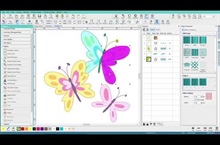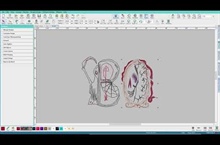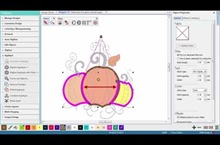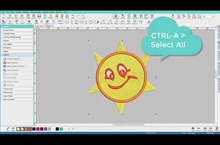


Hatch Embroidery 2 – Beginning Digitizing demo

  • Post author:

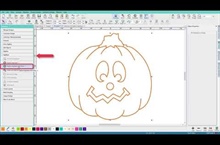
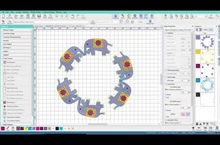
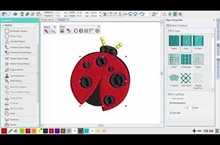
https://youtu.be/J8FyckZlj68In Hatch Embroidery, you can build designs from basic shapes or ‘embroidery objects’. The process is called ‘digitizing’. Digitizing tools are used in conjunction with stitch types to create embroidery…
Hatch Embroidery 2 – Appliqué demo

  • Post author:

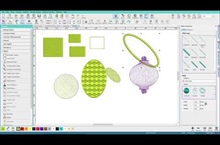
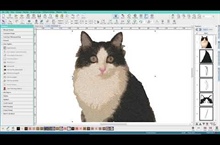
https://youtu.be/itAIxjhgNTMAppliqué is an important craft in home sewing, and the Appliqué toolbox provides an easy way to create high quality work.Automatically create all the stitching you need for most simple…

Hatch Embroidery 2 – Editing Designs

  • Post author:

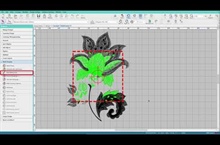
https://youtu.be/ZSCvvhS04bsReshaping and changing your designs is so easy with Hatch Embroidery 2. With just a few clicks and moves, you can create a whole new design without digitizing!

Hatch Embroidery 2 – Multi-Hooping Demo

  • Post author:

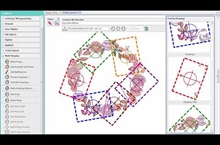
https://youtu.be/Yla_ZCN3QegIf your embroidery is too large or contains a number of designs spaced around an article, you can use the Multi-Hooping toolbox in Hatch Embroidery Composer and Hatch Embroidery Digitizer…

Hatch Embroidery 2 – Multi-Hooping

  • Post author:

https://youtu.be/YNeit0uNGlYYou now have 1-click multi-hooping options in Hatch Embroidery Composer and Hatch Embroidery Digitizer, so it is really easy to stitch out large designs.

Hatch Embroidery 2 – Layout Tools

  • Post author:

https://youtu.be/gg-7xSxqR9kLayout tools in Hatch Embroidery Composer and Hatch Embroidery Digitizer have endless possibilities. They save you so much time when you need to place duplicates of the same object or…

End of content

No more pages to load