Hatch Embroidery 2 – Editing Designs
https://youtu.be/ZSCvvhS04bsReshaping and changing your designs is so easy with Hatch Embroidery 2. With just a few clicks and moves, you can create a whole new design without digitizing!



https://youtu.be/ZSCvvhS04bsReshaping and changing your designs is so easy with Hatch Embroidery 2. With just a few clicks and moves, you can create a whole new design without digitizing!
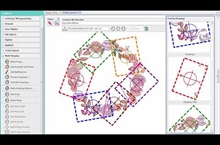
https://youtu.be/Yla_ZCN3QegIf your embroidery is too large or contains a number of designs spaced around an article, you can use the Multi-Hooping toolbox in Hatch Embroidery Composer and Hatch Embroidery Digitizer…
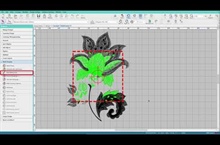
https://youtu.be/YNeit0uNGlYYou now have 1-click multi-hooping options in Hatch Embroidery Composer and Hatch Embroidery Digitizer, so it is really easy to stitch out large designs.
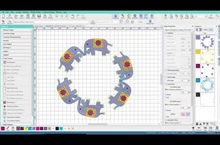
https://youtu.be/gg-7xSxqR9kLayout tools in Hatch Embroidery Composer and Hatch Embroidery Digitizer have endless possibilities. They save you so much time when you need to place duplicates of the same object or…
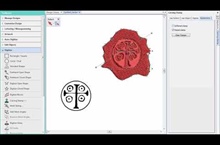
https://youtu.be/JiiIVmp5sc8The Carving Stamp feature allows you to define a pattern of needle penetrations using a ‘carving stamp’ as a template. A carving stamp can be any vector or embroidery shape.
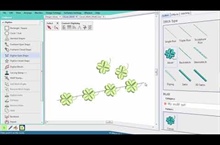
https://youtu.be/sblZLr6-mPYMotif stamps are ready-made design elements, such as hearts, leaves or geometric patterns which are contained in libraries or 'sets'. You can define your own stamps for individual use or…
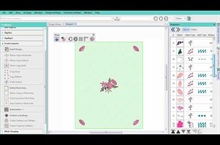
https://youtu.be/1rjLXZOH-EgThe Create Layout toolbox in Hatch Embroidery Composer and Hatch Embroidery Digitizer lets you easily combine designs and design elements by inserting the contents of one file into another. You…
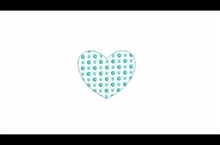
https://youtu.be/yEBNsz2MaYo Motif stitching can be used for lines or fills. Motifs are repeated in parallel rows to form decorative fills. You can modify rotation angle, orientation and scale, and vary…
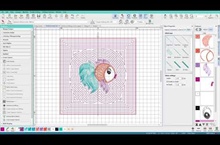
https://youtu.be/IvhicSY7vM0Let your software create your quilting stitches! Choose from Stipple, Echo, and Scroll, they are all available to finish off your quilt blocks.
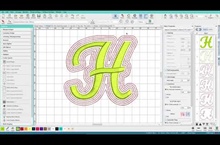
https://youtu.be/R-qqucidePQThis is the easiest tool to create your favorite key fob! Easily create outlines and/or offsets for your designs. Great for basting around your design and for holding down terry…
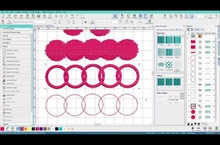
https://youtu.be/0Q8v6DW5choMerge objects together rather than re-digitizing them with the Weld tool. Easily and quickly digitize new shapes and effects!
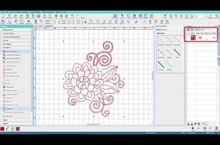
https://youtu.be/9xFZ5jNm9kgRedwork is one of the most popular embroidery techniques used. With Hatch Embroidery Digitizer you can turn your run stitch objects into redwork with just one click!